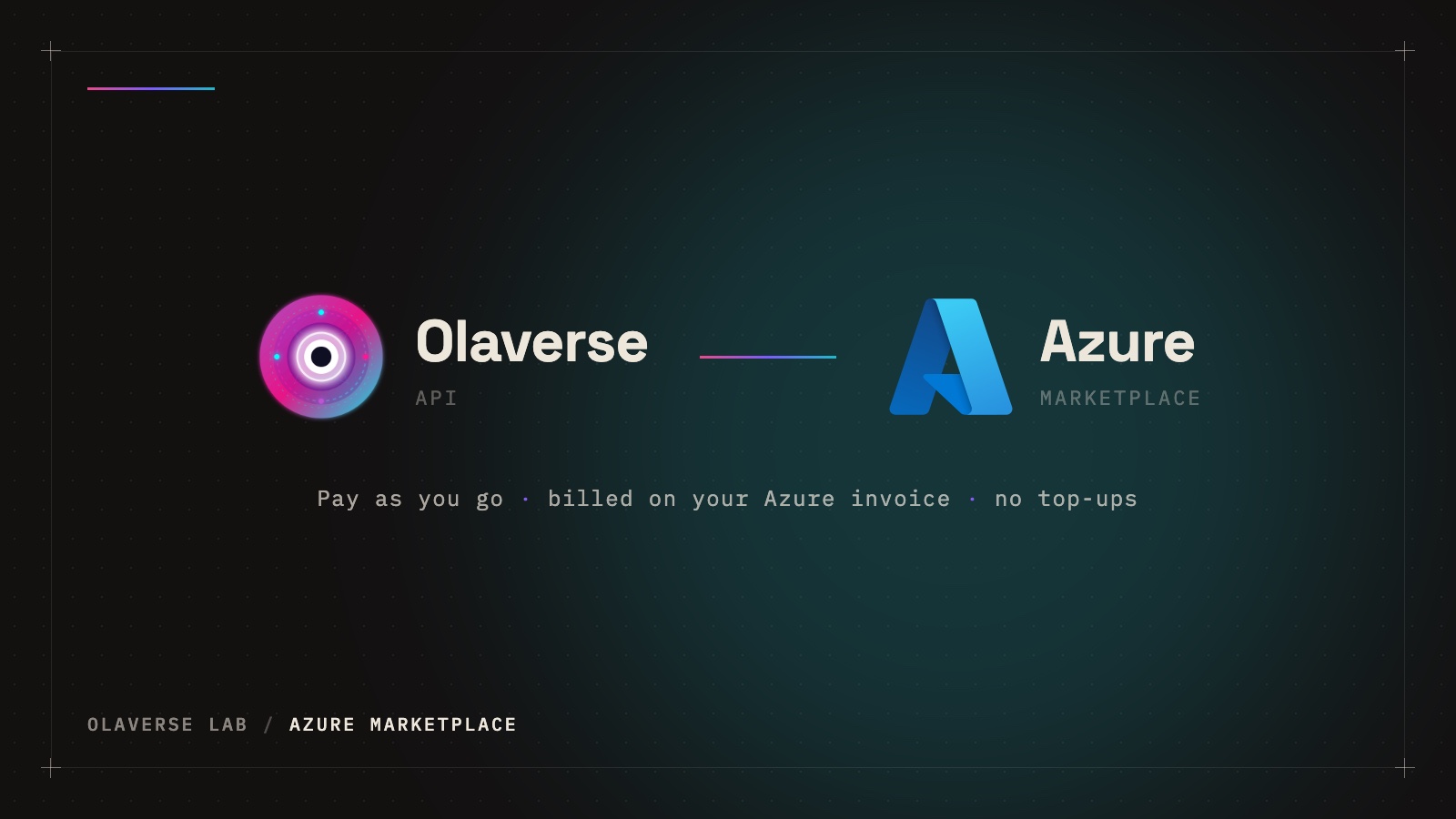
The Olaverse API is now on Microsoft Azure Marketplace. Same models, same prices, billed on your Azure invoice.
If your company already runs on Azure, buying a new API usually means another vendor, another card on file and another invoice for finance to chase. From today you can skip all of that: the Olaverse API is live on Microsoft Azure Marketplace, and what you use is billed through the Azure subscription you already pay for.
What you get
The marketplace offer is the full Olaverse API, not a cut-down version. One key gives you every model we serve:
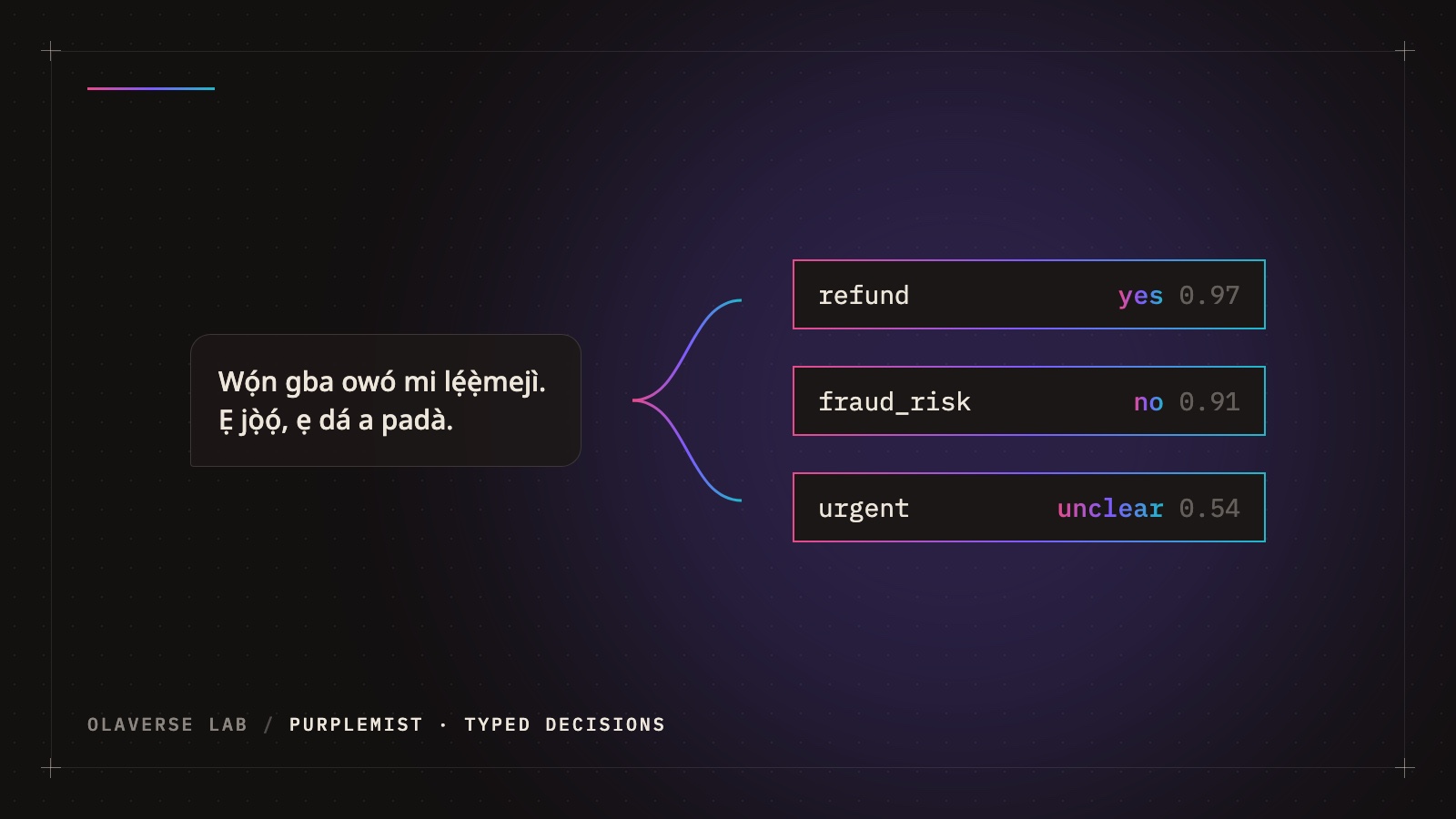
- Typed decisions with PurpleMIST-Mini-2.0 (
/v1/decide): ask several questions about a message, ticket or record and get typed answers with a probability on each, in English and in African languages. - Document extraction with MIST-Extract-1.0 (
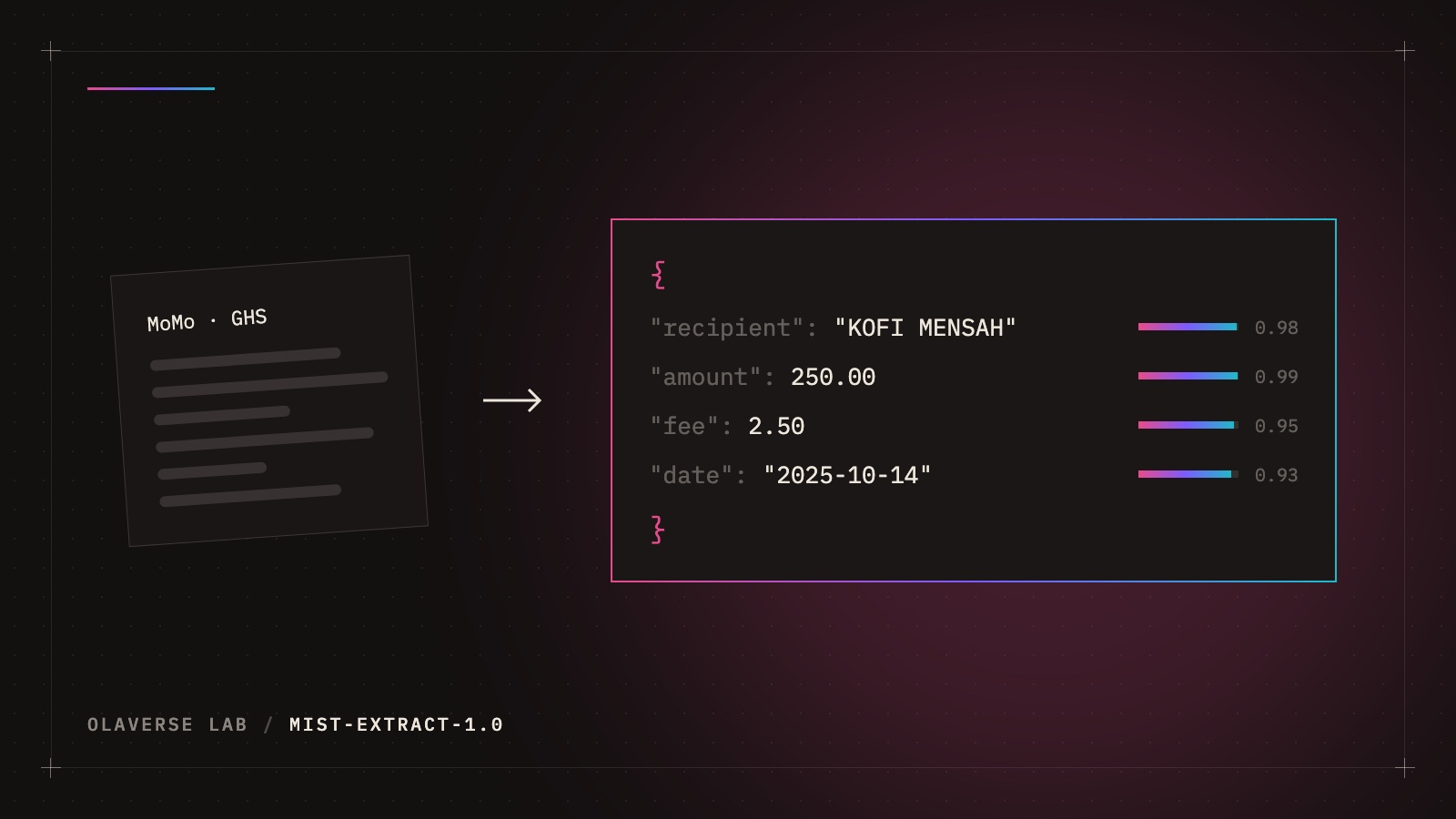
/v1/extract): turn receipts, mobile-money messages, bills and letters into clean JSON, with a calibrated confidence on every field. - Language identification across 608 languages (
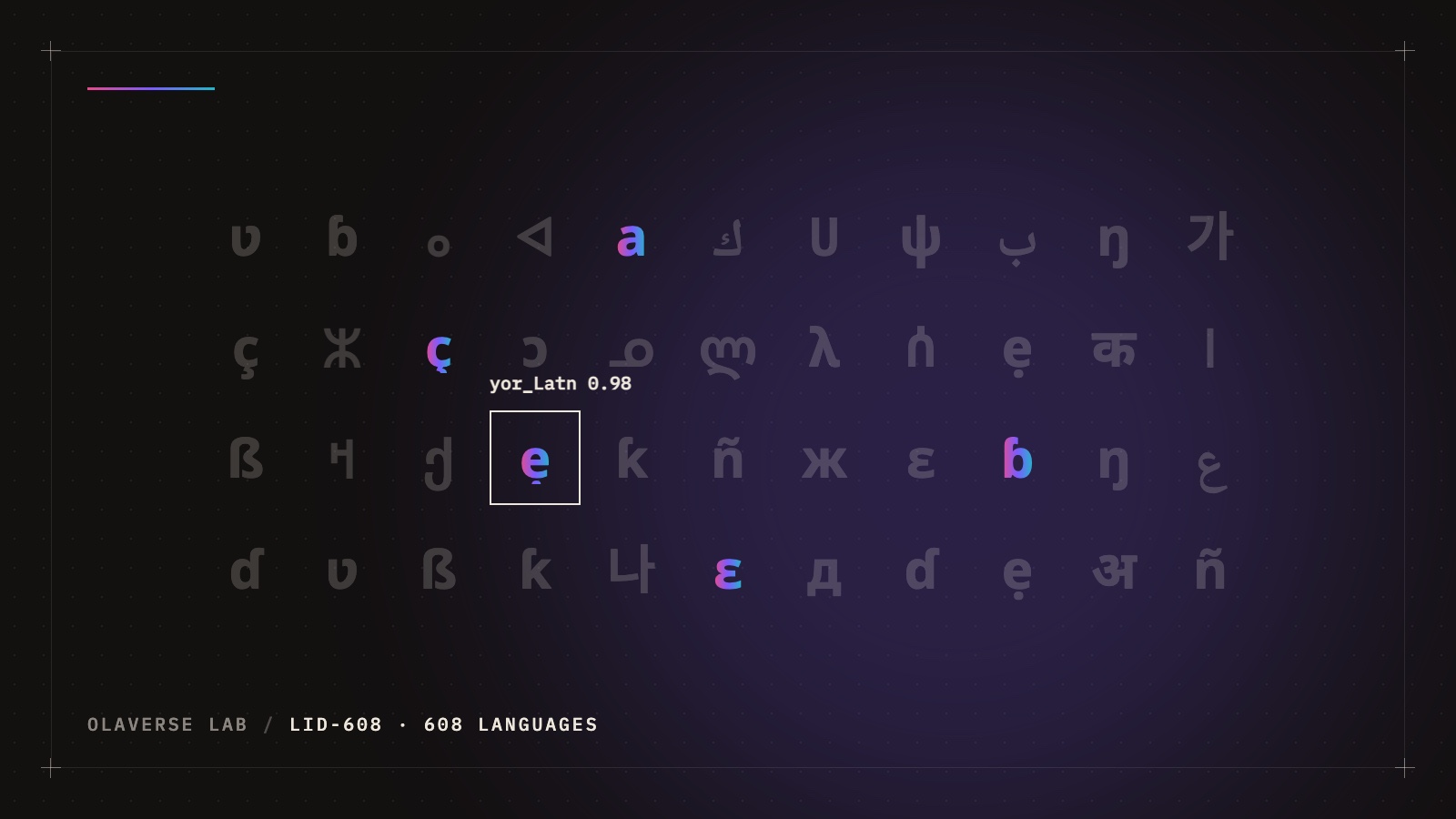
/v1/language-id). - Diacritic restoration for Yorùbá, Igbo, Hausa, Arabic and more (
/v1/diacritize). - Question generation from a passage (
/v1/questions/generate).
How billing works
- Pay as you go, no monthly fee. Every call is priced exactly as on our pricing page. Buying through Azure doesn't change the price.
- On your Azure invoice. Usage is reported to Azure every hour as API credits of $0.01 each, and shows up in Cost Management for the subscription you chose, in your billing currency.
- No top-ups. An account linked to Azure is billed through Azure, so it never runs out of Olaverse credit in the middle of a job.
- One procurement route. No new vendor to onboard and no card to manage: the charges sit alongside the rest of your Azure spend.
Getting started
It takes a few minutes:
- Open the Olaverse API listing and select Get it now, or search for Olaverse API under Marketplace in the Azure portal.
- Choose the Pay as you go plan, an Azure subscription and a resource group, then subscribe.
- Select Configure account now. Azure sends you to the Olaverse console, where you sign in, or create an account, and confirm the link.
- Create an API key under Keys and make your first call:
curl -X POST "https://api.olaverselab.com/v1/decide" \
  -H "Authorization: Bearer $OLAVERSE_KEY" \
  -H "Content-Type: application/json" \
  -d '{"state": "I was charged twice, please refund me",
       "questions": {"refund": {"type": "noul", "instructions": "The customer asks for money back."}}}'
The full walkthrough, including how to cancel, is in the docs: Buy through Azure Marketplace.
Why we did this
Most of the teams we talk to want specialist models for the languages and documents general-purpose models handle poorly, but they don't want a procurement project to try them. Putting the API where they already buy software removes that step. It also runs on infrastructure we trust: our gateway and CPU models already run on Azure.
You can still buy credit directly with a card at console.olaverselab.com, and the open weights stay on Hugging Face for anyone who wants to self-host. Azure Marketplace is one more way in.
Questions about a purchase? Email support@olaverselab.com with your Azure subscription ID.